The internship company requires the use of
Angular. I have learnedVUEand have some understanding ofReact, butAngularis something I haven’t used before. Time to start from scratch.
Installing node
Check the version. Previously, I always used the cmd window. Today, I learned about the powershell window, which feels quite similar. Use shift+win+right-click to open it.
1$ node -v
2$ npm -v
Installing Angular
Scaffolding
1$ npm install -g @angular/cli@14.0.2
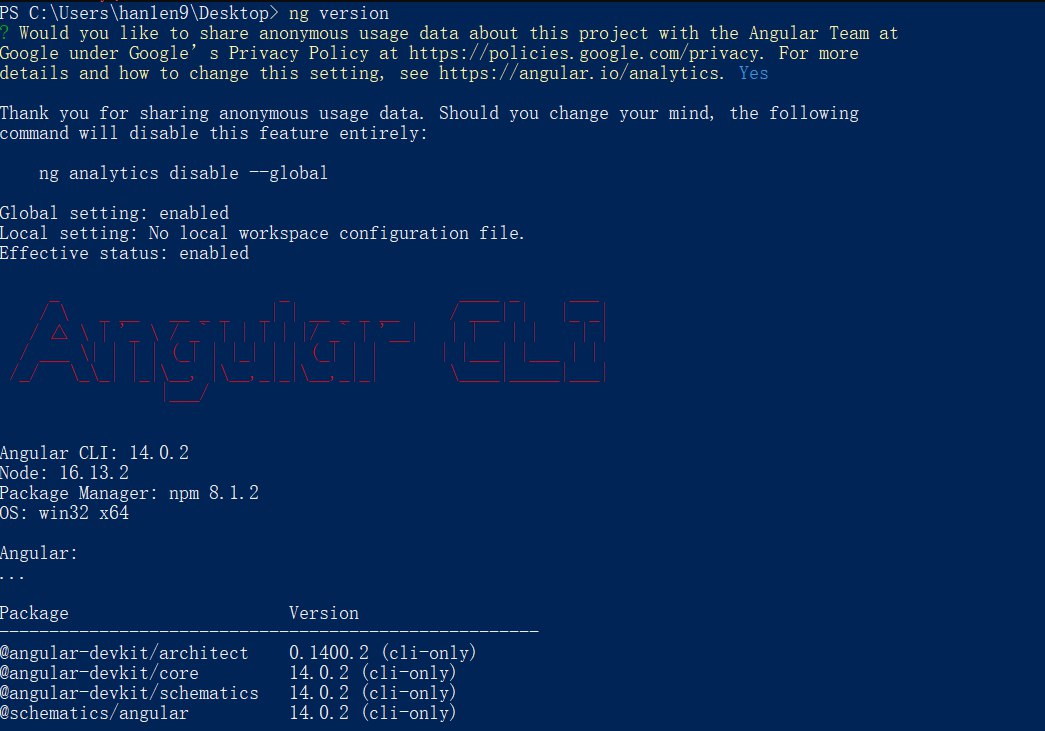
Checking the Version
1$ ng v # ng version
- Encountered an error as shown below:

- Solution:
Run
Windows PowerShellas Administrator.Enter the following command and type A to change the permissions.
1$ set-ExecutionPolicy RemoteSignedEnter the following command to check the current status.
1$ get-ExecutionPolicy

- Check the version again; the installation is successful.
Uninstalling Angular
1$ npm uninstall -g @angular/cli
Creating a Project
cdto the directory where you want to store the project and enter the command.1$ ng new <project-name> 2$ yes 3$ cssThe installation of dependencies takes a while. You can skip the dependency installation step initially and install them after the project is created.
1$ ng new <project-name> --skip-install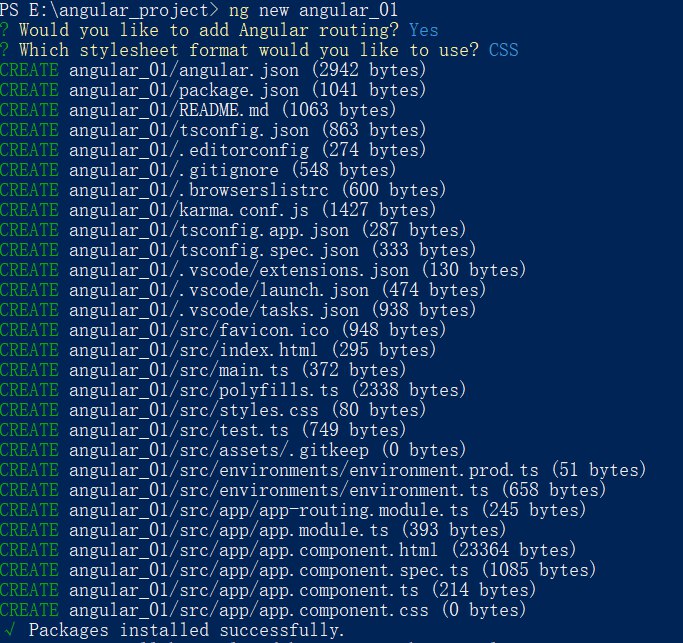
The project structure after creation is as follows:
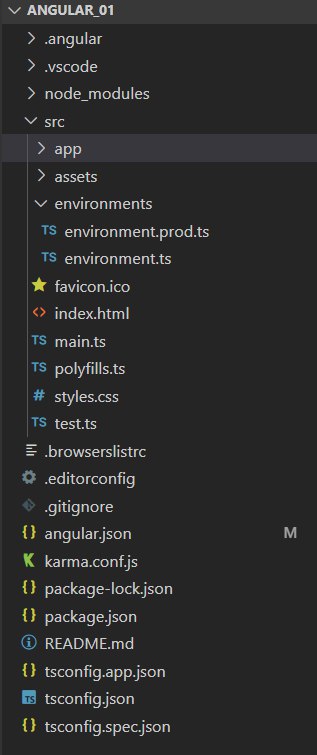
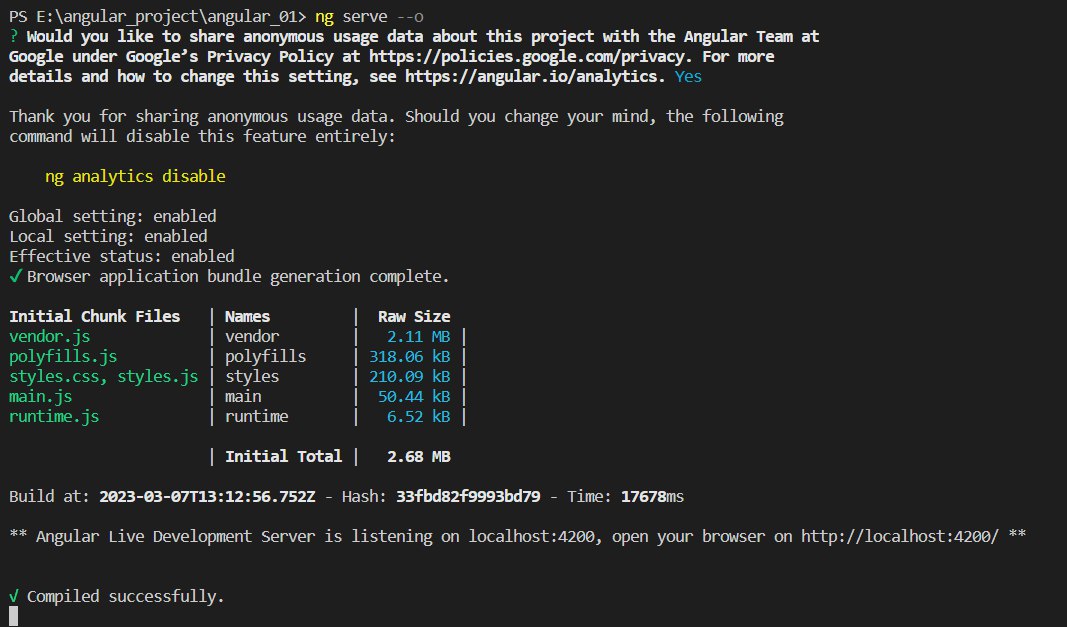
cdto the project directory and enter the command:1$ ng serve --open # ng serve --o or ng serve
The explanation given by
stackoverflowis: To Fix Error “This command is not available when running the Angular CLI outside a workspace Error”, Do Right-Click on your project name in VS Code and Click “Open in Integrated Terminal” Option.
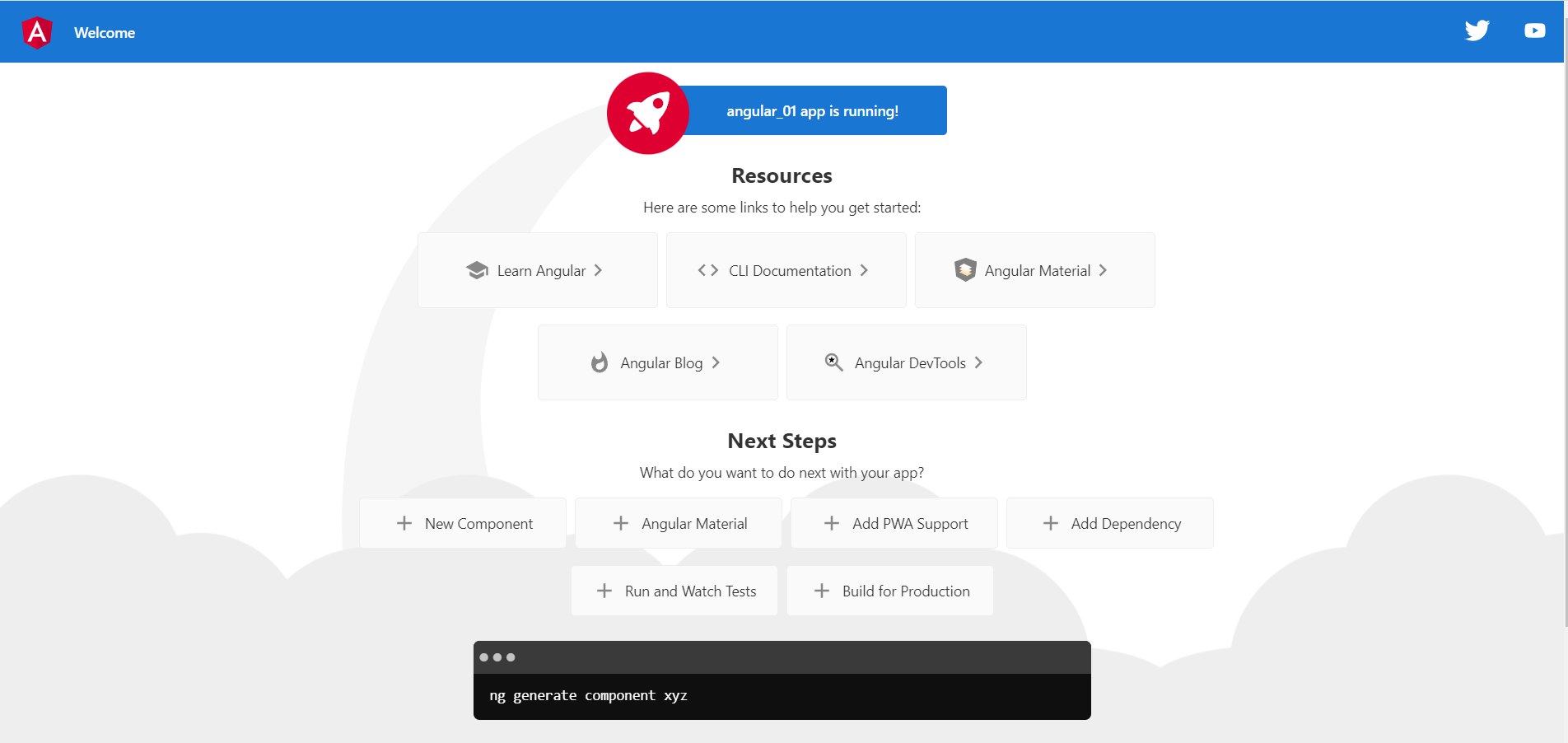
Run it in VScode, and it will open the default browser, displaying the Angular welcome page.